Overview
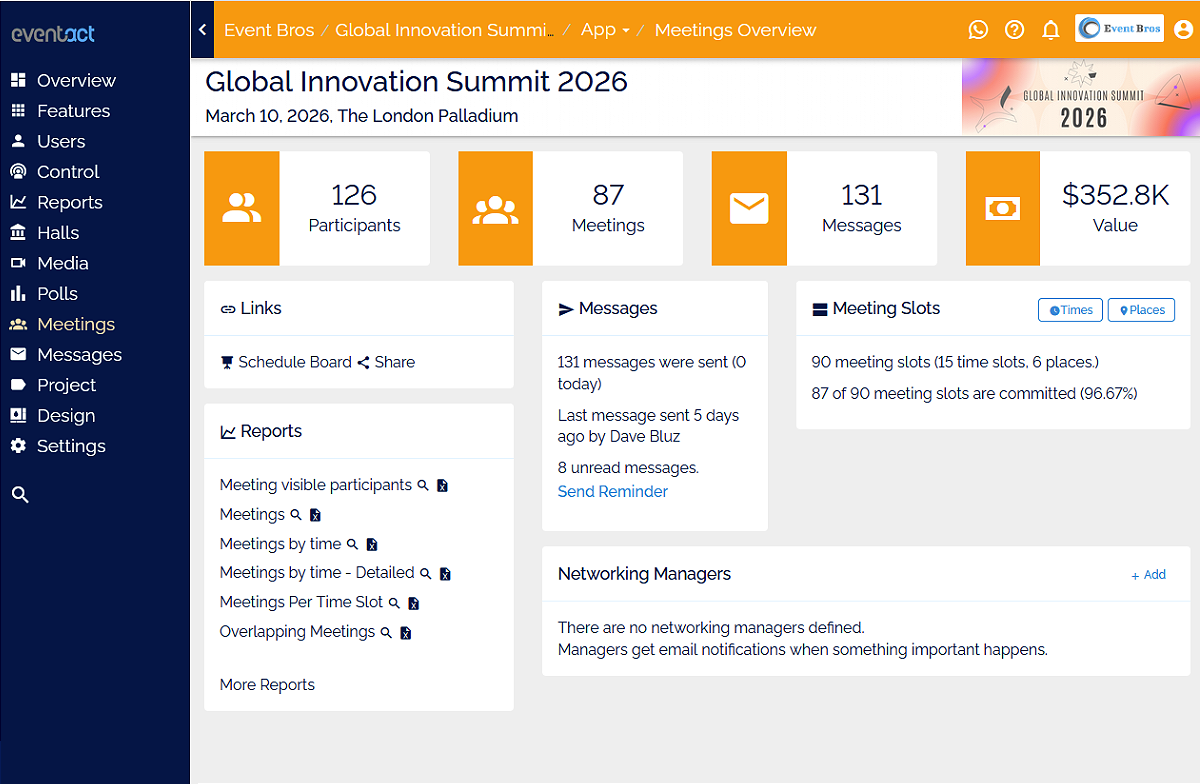
Eventact's Meetings with Exhibitors feature turns your event website into a business hub. Participants can explore exhibitors, learn about their offerings, and book meetings in advance — all taking place at the exhibitor's booth during the event.
Registered participants confirm their identity with their email and a one-time verification code, and the meeting is confirmed instantly. Participants who aren't registered yet are asked to register first.
For exhibitors, it's more than scheduling — it's a marketing tool that boosts visibility, attracts qualified leads, and drives sales before the event begins.
Catalog Page
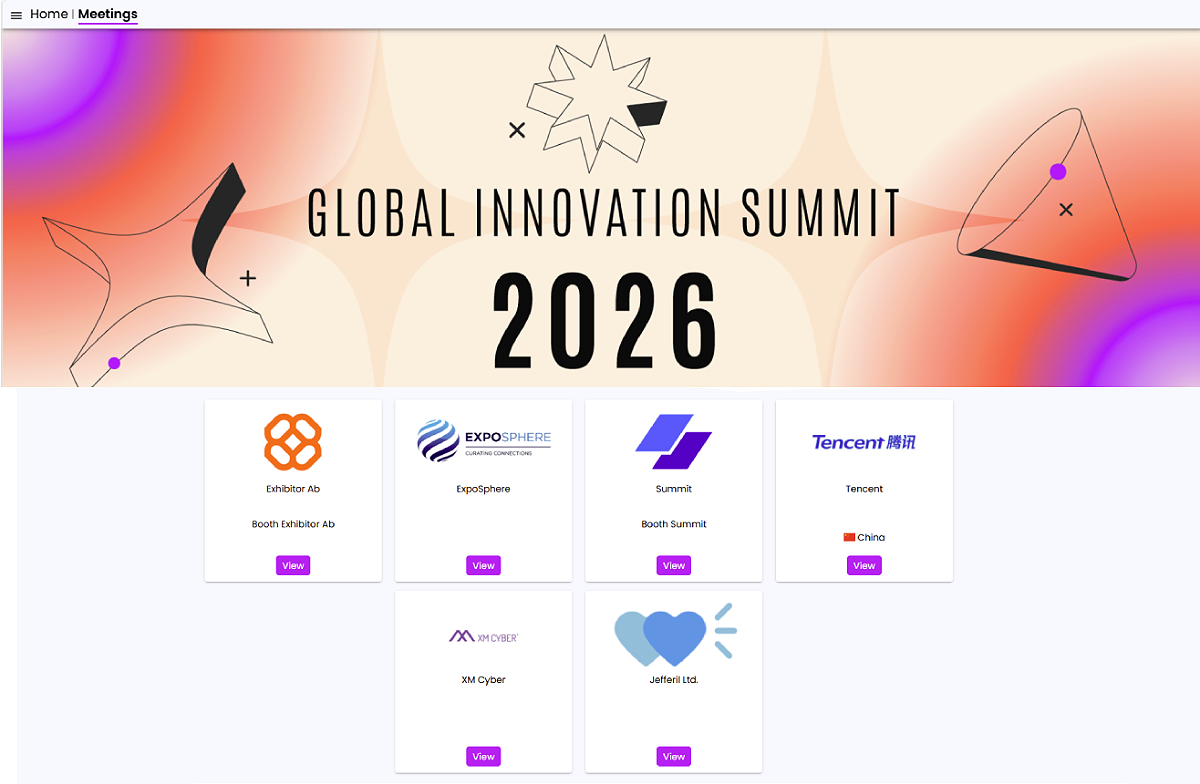
- Searchable, filterable list or grid of all exhibitors.
- Each card includes a logo, description, and a "View" button.
- Designed to drive clicks and pre-event engagement.
Exhibitor Page
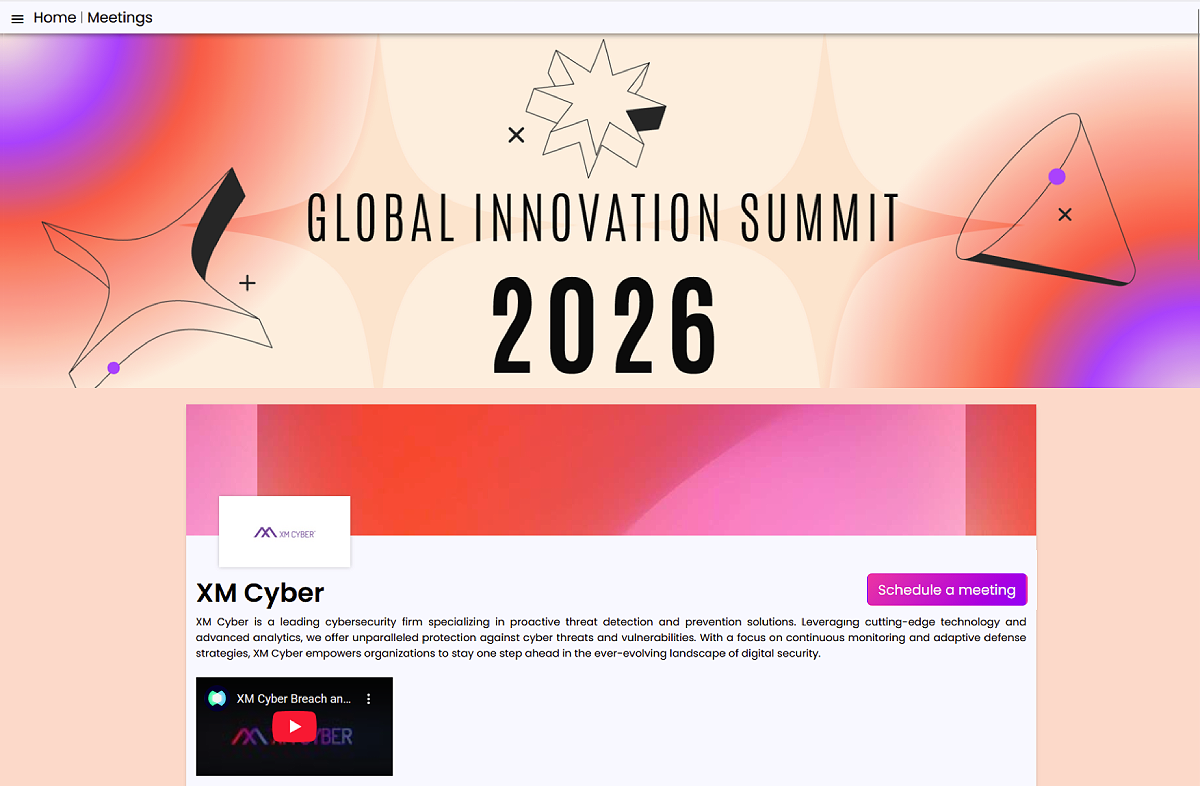
- Dedicated profile with company details, product images, downloadable brochures, and representative contacts.
- Real-time availability to book meetings.
- Acts as a mini-marketing page inside the event platform.
Scheduling a Meeting
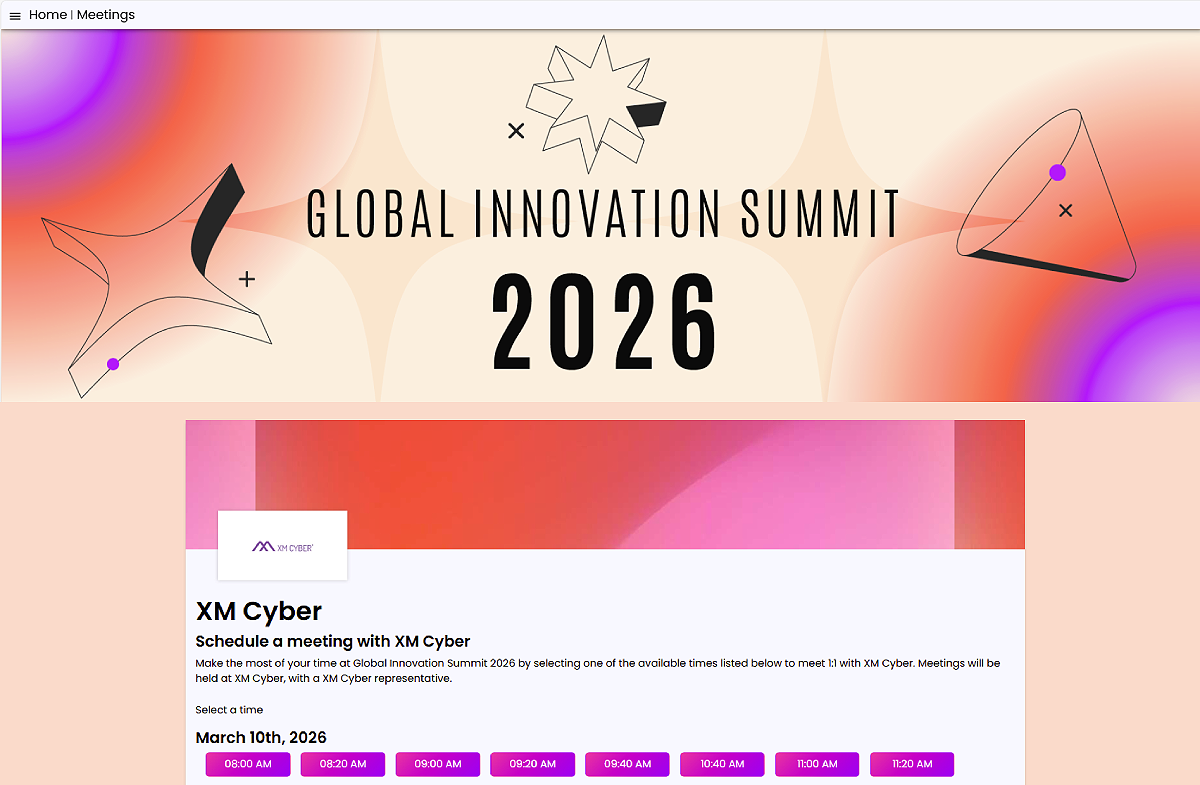
- Click “Schedule Meeting” to view available time slots.
- Pick a time slot to start booking.
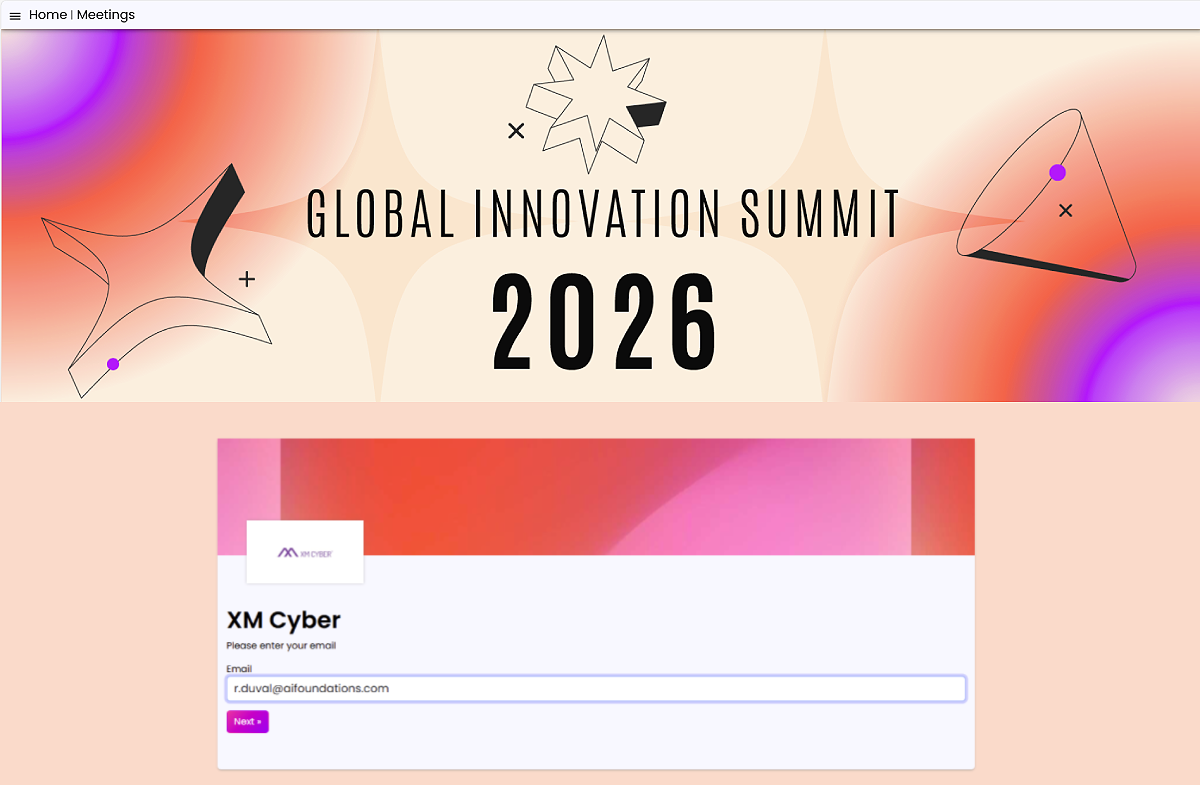
Enter Your Email
- Registered participants enter the email they registered with.
- Not registered yet? Participants are asked to register before booking.
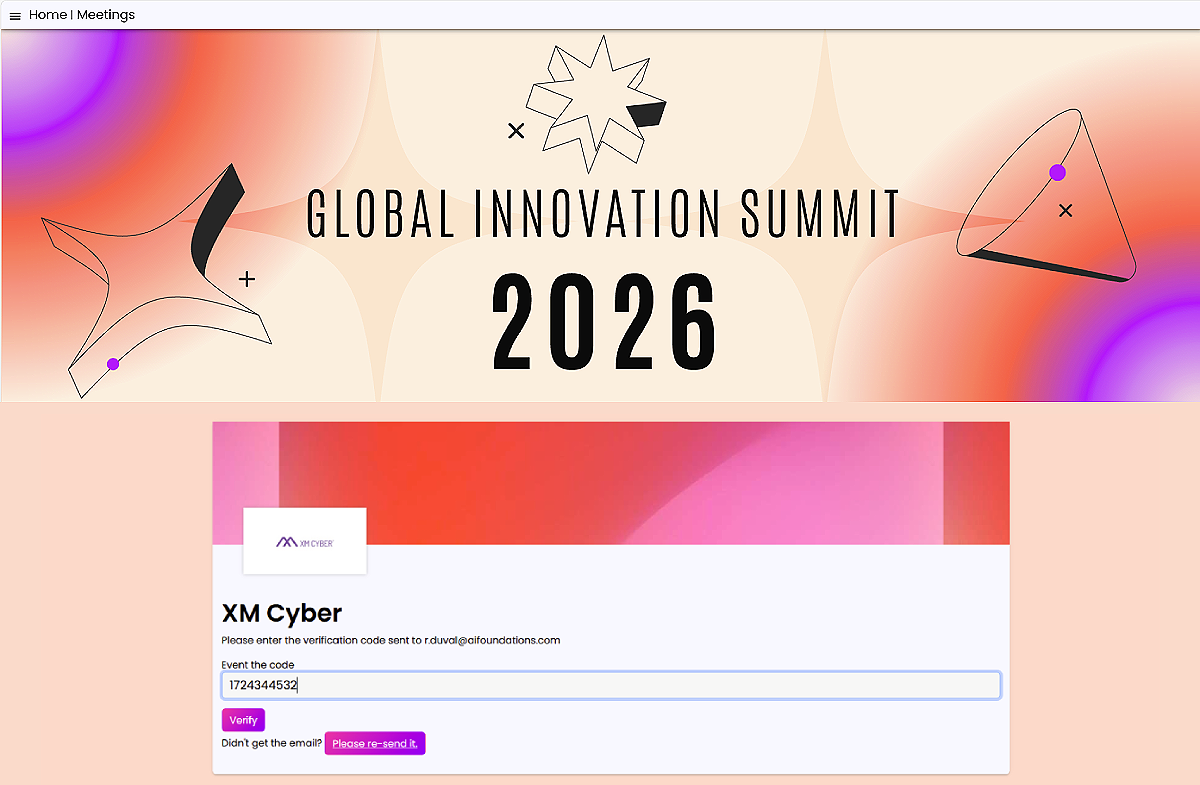
Enter the Verification Code
- A one-time verification code is sent to that email.
- Enter the code and click “Verify”.
- Didn't get the email? Resend it with one click.
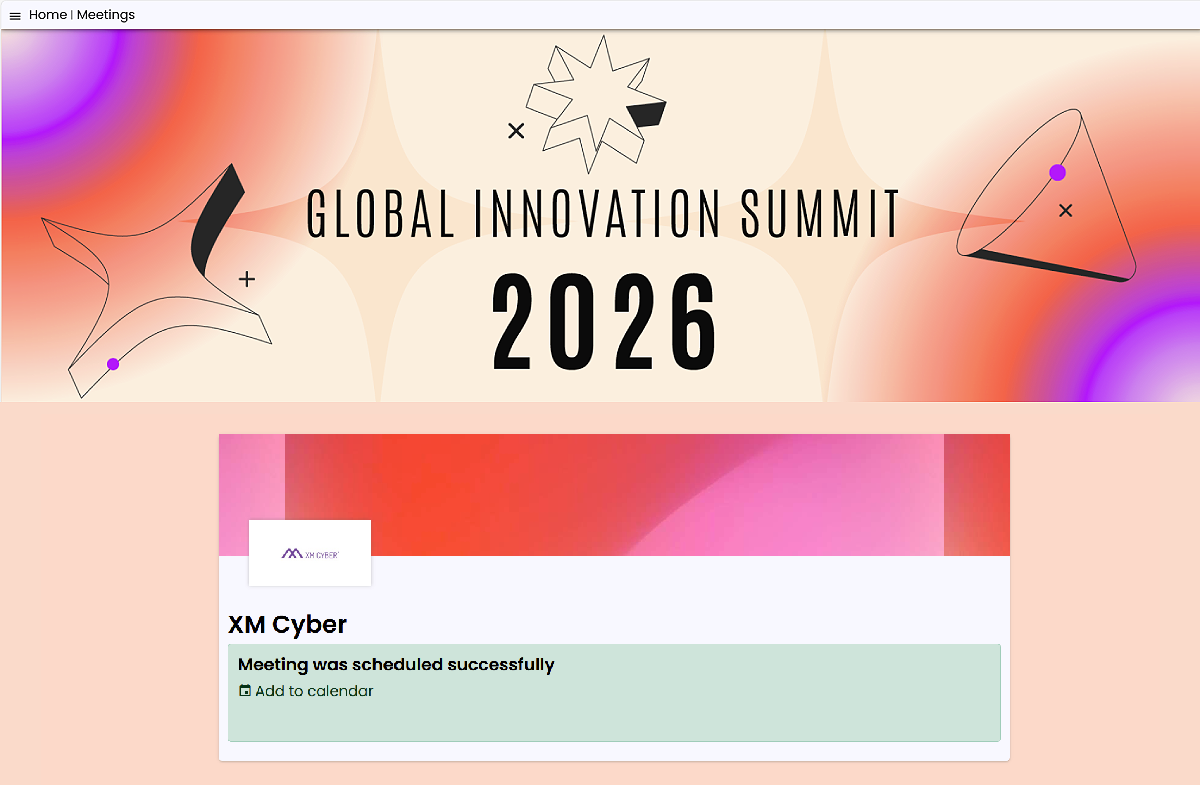
Meeting Confirmed
- The meeting is scheduled instantly, with no manual approval by the exhibitor.
- “Add to calendar” saves it to the participant's calendar.
- A confirmation email is sent automatically.
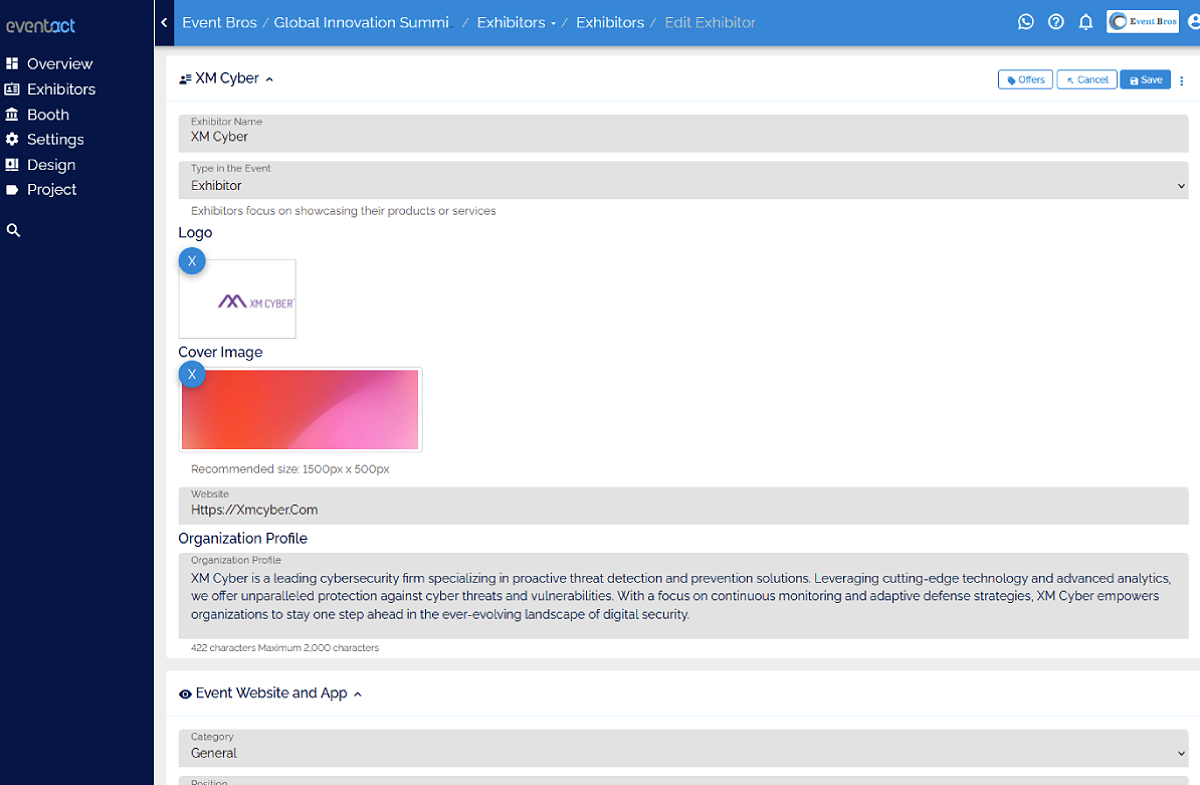
Exhibitor Link & Personal Page
- Unique exhibitor meeting link generated by the platform.
- Can be shared via social media, email, or websites to attract prospects.
- Turns the exhibitor into an active promoter of both the event and their own sales funnel.
Overview
Eventact's Meetings with Exhibitors feature turns your event website into a business hub. Participants can explore exhibitors, learn about their offerings, and book meetings in advance — all taking place at the exhibitor's booth during the event.
Registered participants confirm their identity with their email and a one-time verification code, and the meeting is confirmed instantly. Participants who aren't registered yet are asked to register first.
For exhibitors, it's more than scheduling — it's a marketing tool that boosts visibility, attracts qualified leads, and drives sales before the event begins.
Catalog Page
- Searchable, filterable list or grid of all exhibitors.
- Each card includes a logo, description, and a "View" button.
- Designed to drive clicks and pre-event engagement.
Exhibitor Page
- Dedicated profile with company details, product images, downloadable brochures, and representative contacts.
- Real-time availability to book meetings.
- Acts as a mini-marketing page inside the event platform.
Scheduling a Meeting
- Click “Schedule Meeting” to view available time slots.
- Pick a time slot to start booking.
Enter Your Email
- Registered participants enter the email they registered with.
- Not registered yet? Participants are asked to register before booking.
Enter the Verification Code
- A one-time verification code is sent to that email.
- Enter the code and click “Verify”.
- Didn't get the email? Resend it with one click.
Meeting Confirmed
- The meeting is scheduled instantly, with no manual approval by the exhibitor.
- “Add to calendar” saves it to the participant's calendar.
- A confirmation email is sent automatically.
Exhibitor Link & Personal Page
- Unique exhibitor meeting link generated by the platform.
- Can be shared via social media, email, or websites to attract prospects.
- Turns the exhibitor into an active promoter of both the event and their own sales funnel.