CRM integration your RevOps team can live with

Use CRM data during registration
After the guest enters their email, Eventact looks them up in HubSpot or Salesforce and pulls the fields you choose, such as customer tier or account status. The rest of the form adapts. Existing customers skip questions you already have answers to, VIP accounts see their ticket option, and people not in your CRM go to a page for new prospects.
Decide which way each field goes
Set each mapped field to read from the CRM, write to it, or sync both ways. Fields your team owns in the CRM can stay read-only from Eventact's side.
Keep junk out of the CRM
Choose whether people who aren't in your CRM get created or skipped. With skip, Eventact only updates records you already have. In Salesforce you can create Leads instead of Contacts, and when someone exists as both, Eventact updates the Contact.
Revenue in HubSpot, campaigns in Salesforce
In HubSpot, each ticket becomes a deal in the pipeline and stage you choose, tagged New Business or Existing Business. Deals are created once per order, so re-syncing never duplicates them. When one person registers a group, each member becomes their own contact, holding their own deal. In Salesforce, each event gets a campaign with synced attendees as members.
Attendance your sales team can act on
Sync only the people who actually came. In HubSpot, each contact shows whether they attended, and that property can trigger your own workflows, such as a follow-up task for the account owner.
Check before you sync
Each registrant record shows Eventact and CRM values side by side. In Salesforce, test in a sandbox first.
Monday.com
Each registration becomes an item on the board you choose. Set it up once and it covers every event.
Webhooks and API for your developers
- Webhooks: New registrations are pushed to Zapier, Make or your own services as they happen. Deliveries are signed per the Standard Webhooks spec (HMAC-SHA256), so your endpoint can verify they came from Eventact.
- Account-wide or per event: One webhook can cover every event in the account, including future ones. Or set one for a single event.
- Test without fake registrations: Send a ping, or a full sample payload your tools can map fields from.
- Never in the attendee's way: Webhooks run in the background. A slow endpoint never slows down a registration.
- REST API: Use it for custom form answers, full ticket lists and anything the webhook doesn't carry.
Invitations and access
- Personal invitation links: Invited guests open a form with what you already know about them filled in.
- Pre-filled links: Build one link per ticket type, partner code or promo code. They also work as QR codes.
- RSVP in one link: Guests choose confirm or decline on a branded page. Email security scanners can't trigger it, and follow-ups go only to people who confirmed.
- Hidden tickets: A customer-only workshop or executive track appears only for guests with the code.
- Approval before confirmation: Review registrations before seats are confirmed. That's useful for closed customer forums and sessions you don't want competitors in.
Registration that fits each audience
- Separate forms: Build a form each for customers, prospects, partners, speakers and staff.
- Conditional logic: Questions, sessions and tickets change based on earlier answers.
- Roles: One person can hold several, such as customer and speaker.
- Group registration: A customer can register their whole team at once.
- One profile across events: Each person keeps one record across all your events, so you see their full history with you.
Your brand, your domain, your revenue
- Website on your domain: Use a dedicated domain, or set up one subdomain once (events.yourcompany.com) and every future event lives under it.
- Event app on your domain: It's a web app, so there's no app store download. Guests sign in with a magic link instead of a password.
- Email from your domain: Eventact gives you the SPF and DKIM records and verifies them once added.
- Your own merchant account: Connect Stripe, PayPal, Authorize.Net or a regional gateway. Ticket revenue settles in your account, not a ticketing platform's.
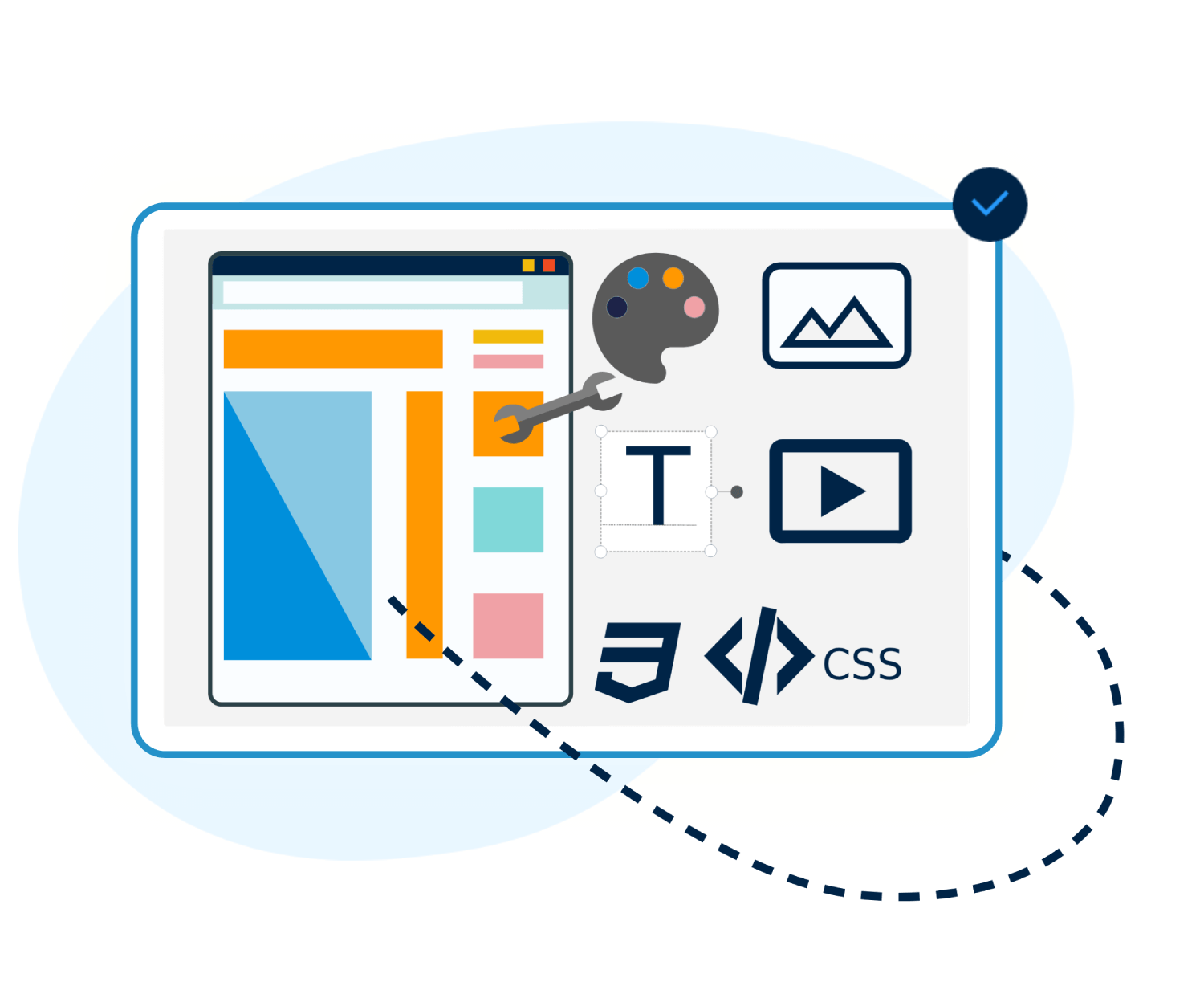
- Design control: Apply your colors, fonts and graphics across forms, site, app, emails and badges. Use HTML, CSS and JavaScript when you need more.
Messaging
- One message, three channels: Each message can carry email, SMS and WhatsApp versions, and the same automation sends whichever you choose.
- Shared inbox: SMS and WhatsApp replies land in one inbox your team works from. Two-way SMS needs a dedicated number.
- Message purpose: Confirmations, tickets and login codes always go out. Promotions respect opt-outs, and an opt-out applies across all your events.
- One-click unsubscribe: Messages meet Gmail and Yahoo bulk sender rules (RFC 8058), and every opt-out is logged with date and IP.
- Languages: 15 languages, including right-to-left Hebrew and Arabic.
At the event
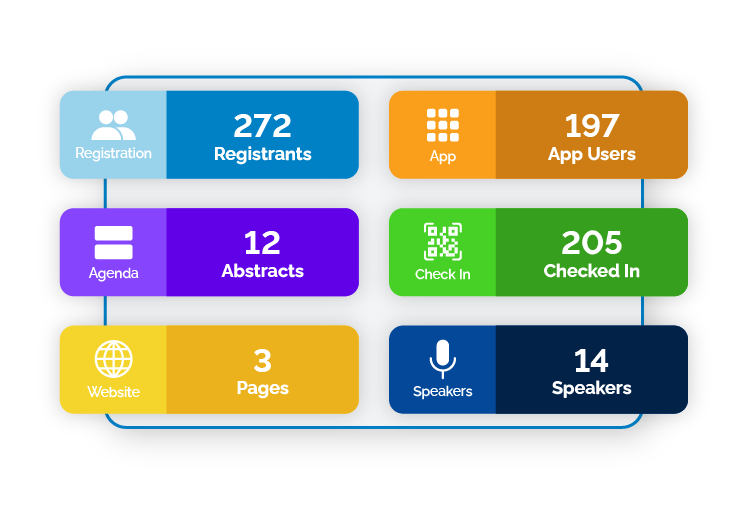
- Check-in: Staff scan QR codes, or guests use self-service kiosks. Badge layouts can differ by guest type.
- Offline mode: Check-in keeps working when venue Wi-Fi drops and syncs when the connection returns.
- Session attendance: See which guests attended which sessions.
- Lead collection: Partners and sponsors collect leads in the event app.
- Live reports: Share reports with stakeholders and co-hosts, who can view and download them without back-office access.
Security and administration
- Role-based access: Staff and contractors see only what their role needs.
- Two-factor authentication and automatic session locking for back-office users.
- Activity history: User access, administrative actions and registration changes are logged.
- Consent records: Marketing consent is captured at registration, and every unsubscribe and resubscribe is logged.
- Company-level setup: Integrations, users and settings are configured once and apply across every event.
Questions to ask any event platform
| Question | Eventact |
|---|---|
| Can registration use what our CRM already knows about the guest? | Yes. HubSpot and Salesforce fields are read mid-form and decide which pages and tickets the guest sees |
| Can we stop event sign-ups from creating new CRM records? | Yes. Update existing records only, or in Salesforce create Leads instead of Contacts |
| Can we protect fields our team owns in the CRM? | Yes. Direction is set per field |
| Does ticket revenue show up in the CRM? | In HubSpot, as one deal per ticket in your pipeline, never duplicated |
| Can we approve guests before their seat is confirmed? | Yes |
| Do guests register on our domain or yours? | Yours, for the site, app and email |
| Where does ticket revenue go? | Straight to your own merchant account |
| Can we see who attended which session, not just who came? | Yes |