Conference management for PCOs and event agencies
Abstracts and peer review, registration and delegations, hotel allocation, on-site check-in, session attendance and certificates. Configured per client, managed from one place.

Built for agency work
Many events, one environment
Current, upcoming and past client events managed in the same Eventact account, with organization-level settings and users.
Reuse what works
Reuse settings and event structures from previous conferences instead of rebuilding each project.
Access by role
Back-office users see only the events and functions their role allows. Reviewers and committee members work in their own portal.
Contacts across editions
Global contact profiles keep speakers, reviewers and attendees connected across years and events.
Conference lifecycle
- Call for abstracts
- Review and decisions
- Program
- Registration and hotels
- Check-in
- Session attendance
- Certificates

Abstracts to program
Call for abstracts
Custom submission forms for authors, institutions, topics, formats, text, tables, images and attachments. Session proposals and posters or e-posters included.
Review your way
Assign reviewers manually or automatically by topic, expertise, quota and workload. Set your own criteria, scoring, review stages and committee decisions.
Reviewer portal
Reviewers score, comment and recommend in a dedicated interface.
From accepted abstract to session
Turn accepted abstracts into presentations and sessions, with speakers and chairpersons connected to them.
Publish once
The program appears on the event website and app, where attendees build personal schedules.
Abstract submission form Review cycles Session proposals Managing speakers
Registration, delegations and payments
Pricing for every audience
Early-bird and late pricing, price plans per audience, member rates, promotion codes, and special rates for sponsors and low-income countries.
Membership
Load membership data, connect by API, or use a CRM interface to apply member pricing and options.
Groups and delegations
Register many attendees as one group, with group pricing, and keep each participant visible in the back office.
More than a ticket
Sell workshops, social events, accommodation and tours in the same checkout. Allocate hotel rooms and seats at unit level.
Your payment processor
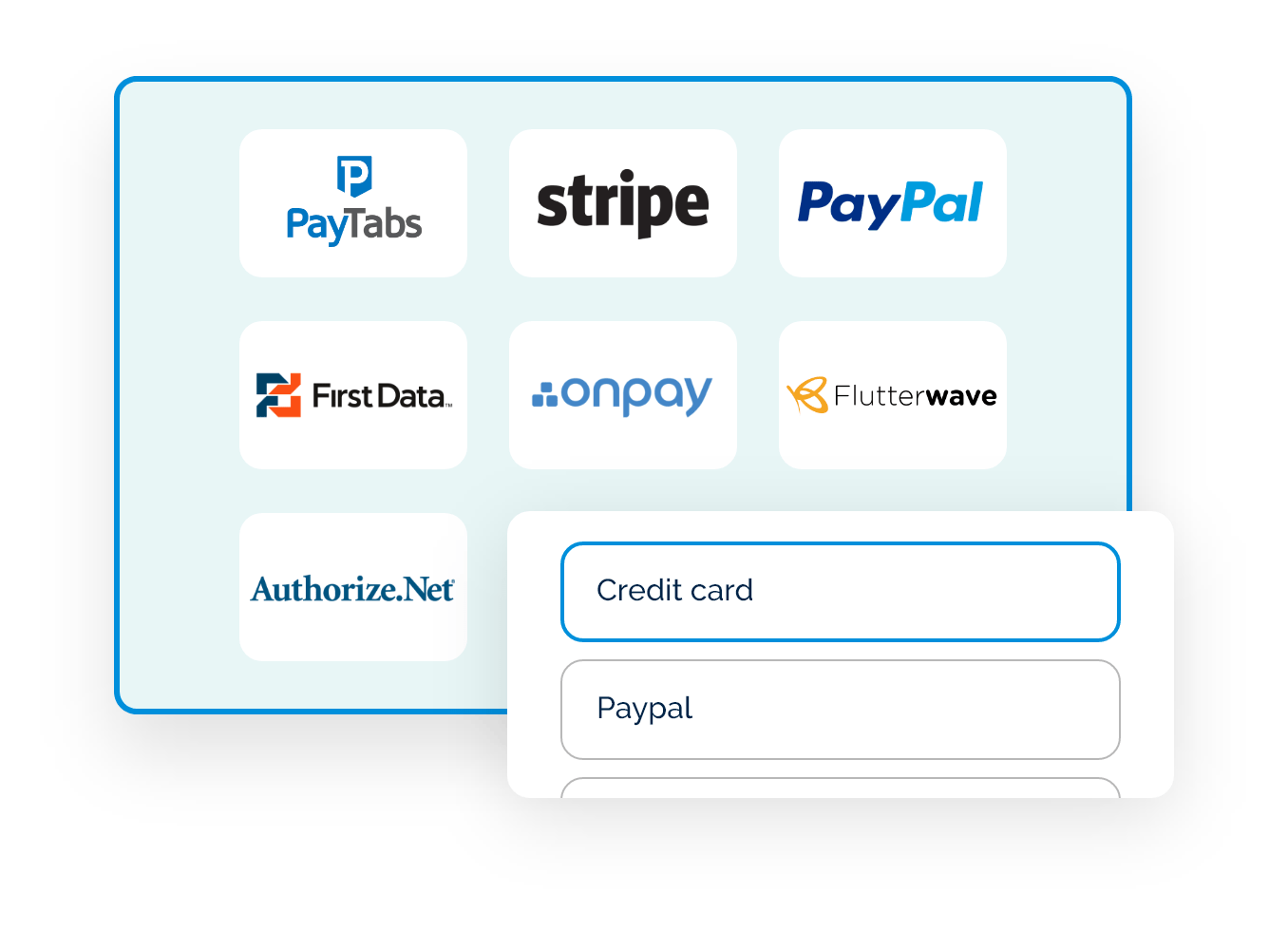
Stripe, PayPal, PayMe, Hyp, Authorize.Net and more, on your own or your client's merchant account. Card, bank transfer and offline payments.
Invoices and receipts
Issued as part of registration and payment.
Launch-day load
A registration queue handles peak demand when registration opens.
Membership Unit-level control Seat selection Payment gateways Invoice templates Registration queue
On-site: check-in, badges and access
Staff desks and self-service kiosks
QR and barcode check-in, on-site registration for walk-ins, and badges printed on the spot.
Works offline
Keep checking in when the venue network drops. Data syncs when the connection returns.
Your printers
Any badge printer with a Windows driver, from thermal label printers to color laser. Different badge layouts per attendee type.
Access control
Control entry to halls, workshops and lounges by registration status, ticket or role.
Session attendance
Record entry and exit per session, hall or workshop, and report attendance by session or attendee type.
Badge printers Attendance tracking Arrival operations Check-in and badges
Attendance certificates and CME credits
Eligibility from real attendance
Issue certificates automatically by check-in, ticket or CME add-on, role, or attendance at a specific session or workshop.
Always current
Eligibility is checked when the participant opens their link, so late check-ins and corrected scans count without resending anything.
One file per participant
General attendance and each accredited workshop can have their own design and rules. A participant who qualifies for several downloads them as one PDF.
Send it with what you already send
Add a personal certificate link to a thank-you email, survey, SMS or WhatsApp message, even one sent before the event.
Print on site
Select registrants in the back office, review who qualifies, and print one PDF for handout.
Verification and languages
Add a QR code linking to your verification page. Hebrew and Arabic are supported, including mixed-direction text.
Exhibitors and sponsors
Exhibitor self-service
Exhibitors maintain their own company information, content and representatives. Co-exhibitors get their own profiles.
Lead collection
Exhibitors collect attendee leads in the event app throughout the event.
Meetings
Attendees and exhibitors arrange meetings in the app, and an electronic meeting board manages meeting spaces.
Sponsor visibility
Logos, banners and placements across the website and app.
Communications
Email, SMS and WhatsApp groups
Templates for invitations, confirmations, payment requests, reminders and follow-up.
Triggered and scheduled
Send on registration, payment, status change, check-in, abstract activity or a set date, to segments by role, status, ticket or form answer.
Deliverability
Send from your client's domain with SPF and DKIM. RFC 8058 one-click unsubscribe, while transactional messages still reach opted-out contacts.
Email, SMS and WhatsApp Triggers and tokens Email unsubscribe

Websites, languages and branding
Conference websites from event data
Agenda, speakers, exhibitors, sponsors and venue maps update from the same data as registration and the program.
One domain or the client's
Host all your conferences on one domain you own, or put a client's site on their own domain with SSL.
15 languages, including RTL
English, Spanish, French, German, Italian, Portuguese, Russian, Greek, Romanian, Slovenian, Albanian, Hebrew, Arabic, Chinese and Japanese, managed side by side in one event.
Event app
An installable web app with no app-store download, built from the same data.
Integrations, data and security
Connect client systems
Event API, webhooks, Salesforce, HubSpot and Monday.com.
Reports
Build reports with the fields and filters each client needs, and schedule them.
Security
Role-based access, two-factor authentication, session locking, user activity history and consent records.
What PCOs need, and how Eventact handles it
| PCO requirement | In Eventact |
|---|---|
| Scientific program | Call for abstracts, peer review, committee decisions, posters and agenda in one workflow |
| Attendance for accreditation | Session-level entry and exit tracking |
| Certificates | PDFs issued from actual attendance, with QR verification links |
| Delegations | Group registration and group pricing, with each participant tracked |
| Payments | Your own or your client's merchant account |
| Venue connectivity | Offline check-in and badge printing, synced when back online |
Guides for PCOs
Abstract Review Setup
Review Cycles: Individual Review and Competitive Ranking Abstracts & Program | 5 min readSee it with your next client conference
We'll walk through abstracts, registration, on-site and certificates using a setup close to one of your real events.