
Give attendees everything they need to make the most of your event — the program, people, content, networking opportunities, live sessions, and event information — in one easy-to-use event app.
No app store. No download. No password. Just a link.
Eventact Event App is a Progressive Web App (PWA) designed for in-person, hybrid, and online events. It connects directly with your registration, agenda, abstract management, networking, and event content, giving attendees one place to access and interact with the event.
Advantages
Opens in Seconds — No App Store
Traditional event apps require attendees to find and install an app before they can use it. Eventact Event App works directly from a short URL on all major devices, so attendees can open it immediately and add it to their device if they choose. Updates are published centrally, so attendees always access the current version of the app.
Frictionless Access
Make it easy for attendees to enter the app using a personalized link, one-time code, or event code. No password to create, remember, or reset — reducing friction for attendees and support requests for organizers.
Everything in One Place
Give attendees one convenient place for the information and tools they need throughout the event. Programs, personal schedules, speaker profiles, abstracts, posters, venue maps, exhibitors, meetings, tickets, event information, live sessions, and more can all be available from the same app.
Networking Built Into the Event
Help attendees find the people they want to meet. Participants can create profiles, search for other attendees, exchange messages, and arrange meetings before, during, and after the event.
Your Event, Your Brand
Customize the app using your organization’s colors, logos, banners, graphics, fonts, and button design. Choose the features and content available to attendees, and create an app experience that matches the rest of your event.
Different Experiences for Different Attendees
Not every attendee needs to see the same content. Display different app buttons and content for groups such as speakers, VIPs, exhibitors, committee members, staff, or other attendee categories. One event app can support multiple tailored experiences.
Built for In-Person, Hybrid, and Online Events
Use the same app for physical, hybrid, or fully online events. Attendees can access live broadcasts, recorded sessions, networking, event information, and interactive features whether they are at the venue or participating remotely.
Engage Attendees Before, During, and After the Event
Open the event app whenever you choose. Give attendees access before the event to plan their schedule and arrange meetings, use it as their on-site companion, and keep content and recordings available after the event.
Insights for Organizers
Follow app activity and engagement through Eventact’s management and reporting tools. Track app usage, session participation, meetings, exhibitor activity, polls, surveys, and other attendee interactions.
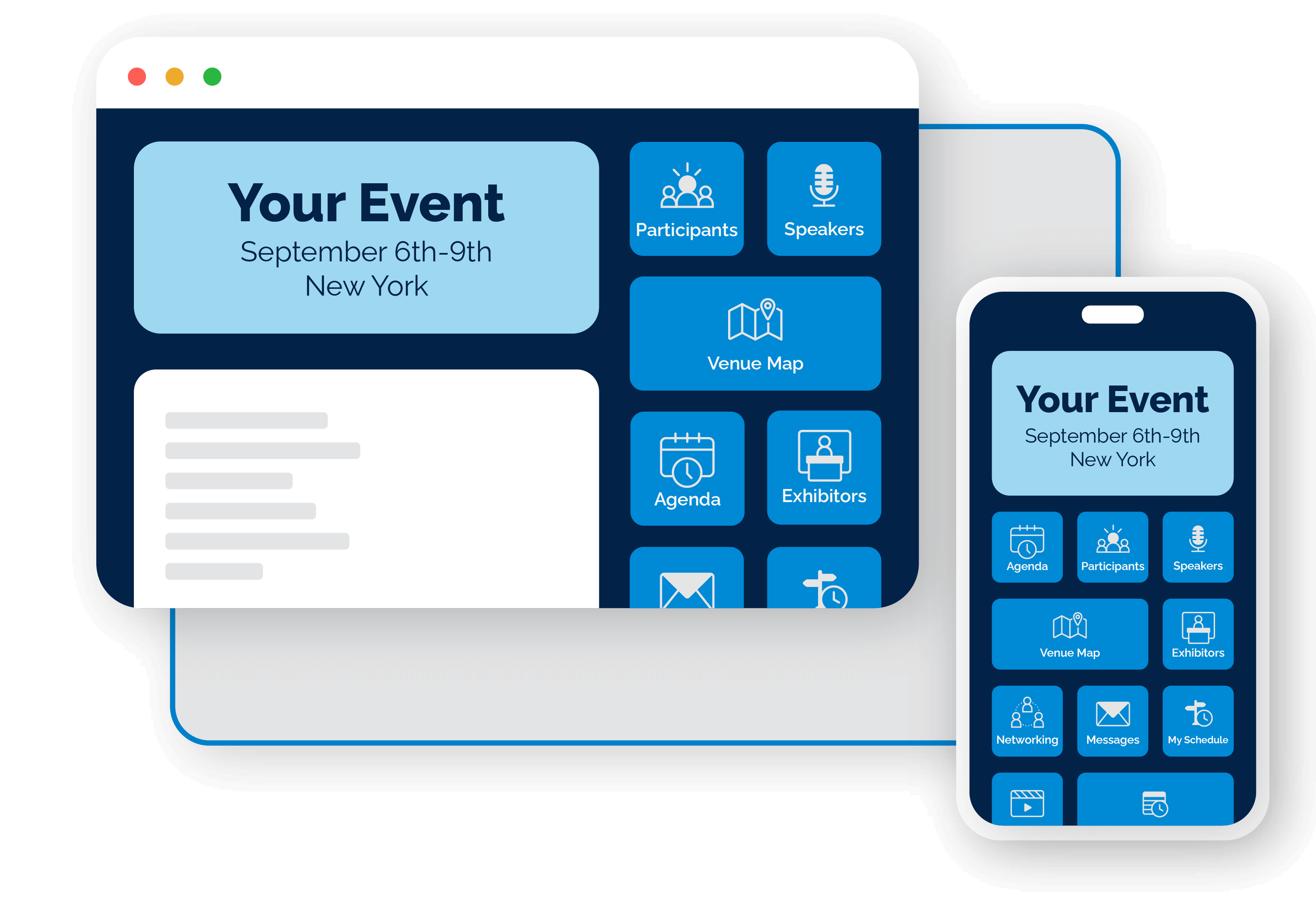
No App Store. No Download. Just a Link.
Getting attendees into the app should not be a project of its own. Share a short URL, and attendees open the event app on the device they already have.
Share
Send the event app to attendees using a simple URL by email, SMS, or the event website.
Open
The app opens immediately in the browser on phone, tablet, or computer.
Identify
Attendees enter using a personalized link, one-time code, or event code — no password.
Use
Program, people, content, meetings, and live sessions are available from the same app.
Add
Attendees can add the app to their device if they choose, without going through an app store.
Updates are published centrally, so attendees always access the current version of the app.
Features
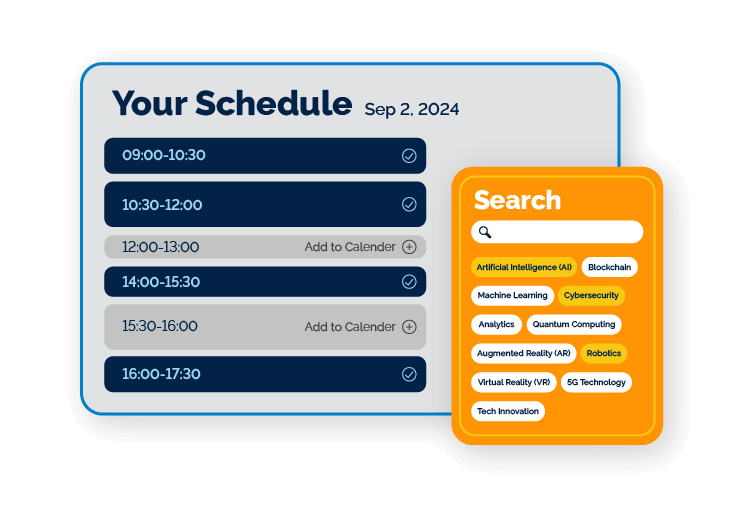
Program & Event Content
Give attendees an easy way to explore the event program, sessions, lectures, speakers, abstracts, and recordings.
When the program changes, organizers update the information centrally so attendees always see the latest schedule.
Personal Schedule
Participants can build their own personal schedule and quickly see what is happening throughout the day.
Programs can support multiple days, parallel halls, and multiple languages.
Speakers
Highlight your event speakers with profiles that can include biographies, presentations, session information, and opportunities to contact speakers.
Speaker information is integrated with the Eventact agenda and event website, reducing duplicate content management.
Abstracts & e-Posters
Participants can browse posters by session, topic, author, or other criteria and view them conveniently from their phone, tablet, or computer.
For scientific and medical conferences, posters and abstracts remain accessible beyond the physical poster session.
Voting & Awards
Let attendees, reviewers, or committee members score and rank abstracts or posters in the app.
Use voting for best poster, best presentation, audience choice, and other conference awards.
Venue Maps & Floor Plans
Display venue maps and floor plans showing lecture halls, meeting areas, and exhibitor booths.
Maps can connect with the event program and exhibitor information to make locations easier to find.
Event Information
Add useful event information directly to the app, including:
- Directions and venue information
- Expected weather
- Event statistics
- Frequently asked questions
- General information and event policies
- Social media links
- Committee members
- Participating companies
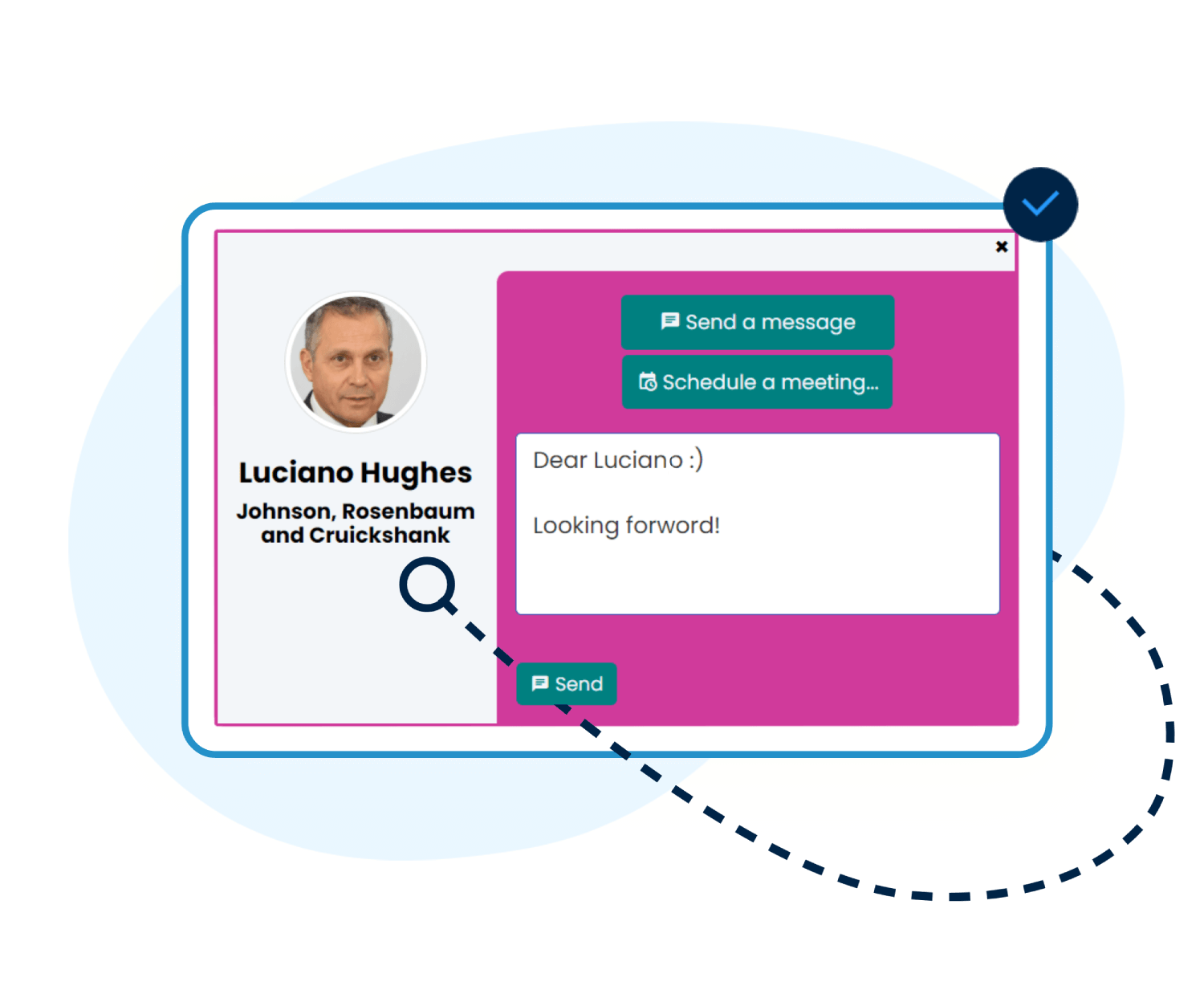
Networking & Meetings
Networking is one of the main reasons people attend professional events.
The event app helps attendees discover relevant people and turn those connections into organized meetings.
Attendee Networking
Attendees can create profiles, search the participant list, discover relevant people, and exchange messages before, during, and after the event.
Meeting Scheduling
Define meeting hours, locations, tables, and availability. Participants and exhibitors can send, accept, or decline meeting requests and manage their schedules directly from the app.
Meeting reports give organizers insight into networking activity across the event.
Networking Rooms
Create online networking spaces for smaller groups, discussions, topic-based meetings, or remote participants.
Networking rooms can complement physical networking and help hybrid attendees participate beyond watching sessions.
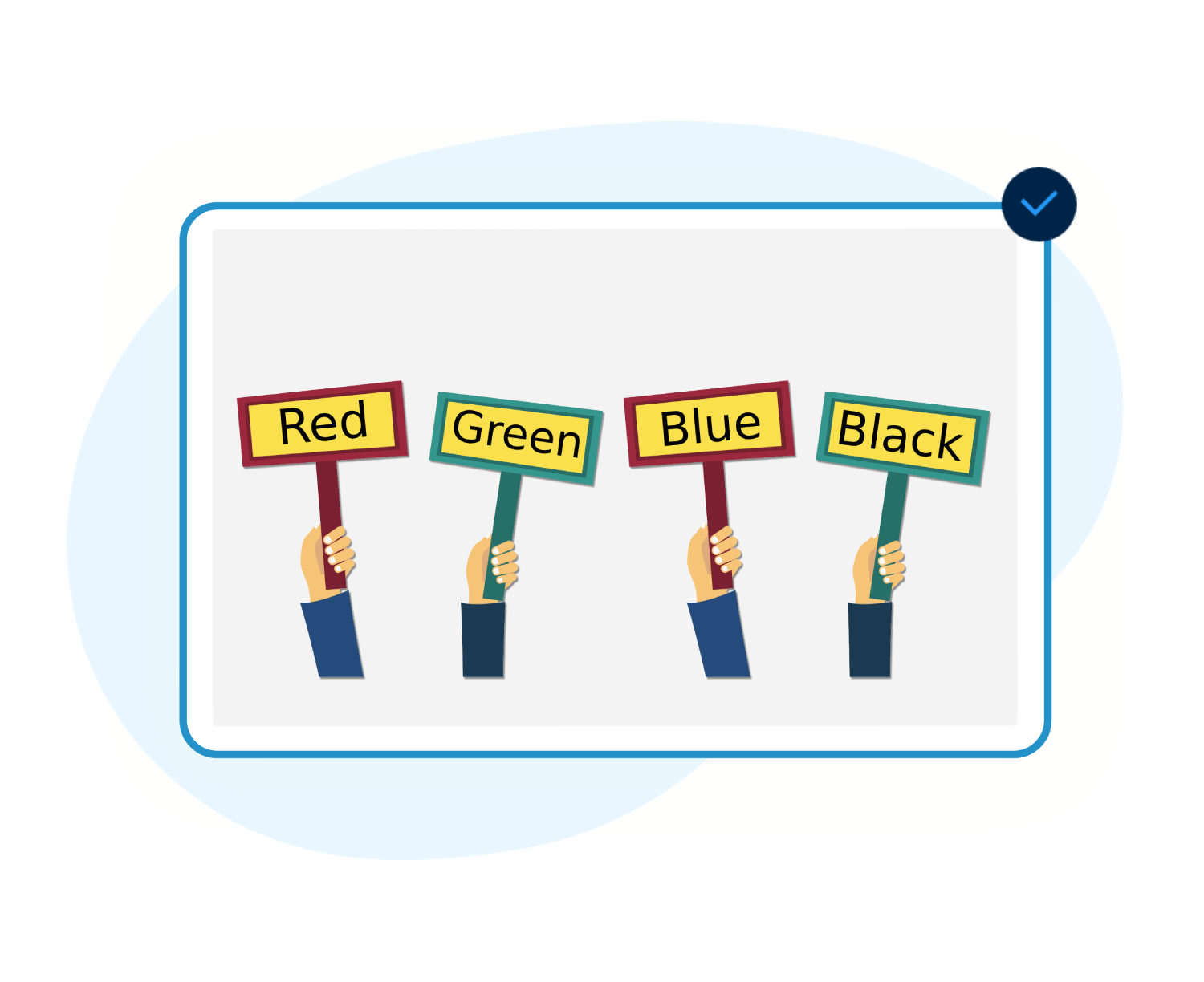
Audience Engagement
Turn the attendee’s own device into the way they participate in the event — asking questions, voting, responding, and staying informed when something changes.
Live Polls & Surveys
Use polls for live voting, quizzes, session feedback, surveys, ratings, word clouds, and other interactive activities.
Use results during the session or analyze them afterward.
Questions to Speakers
Let attendees submit questions directly from their phones — whether they are sitting in the hall or attending remotely.
Moderators can review and manage incoming questions before presenting them to the speaker.
Social Wall & Chat
Participants can post messages, react, and interact with one another, while organizers manage and moderate the conversation from the back office.
Announcements & Notifications
Send announcements to everyone or target messages to particular attendee groups, roles, or event areas.
From a room change to an important reminder, organizers can communicate updates quickly without relying on attendees to search through email.
Digital Ticket & Badge
Give attendees convenient access to their event ticket and QR code from the app.
The same attendee identity can connect registration, check-in, attendance, and other Eventact services.
Registration & Activity Sign-Up
Let attendees access registration and sign up for available sessions, workshops, social activities, or other event options in the app.
Information remains connected to the same Eventact registration database used by the organizing team.
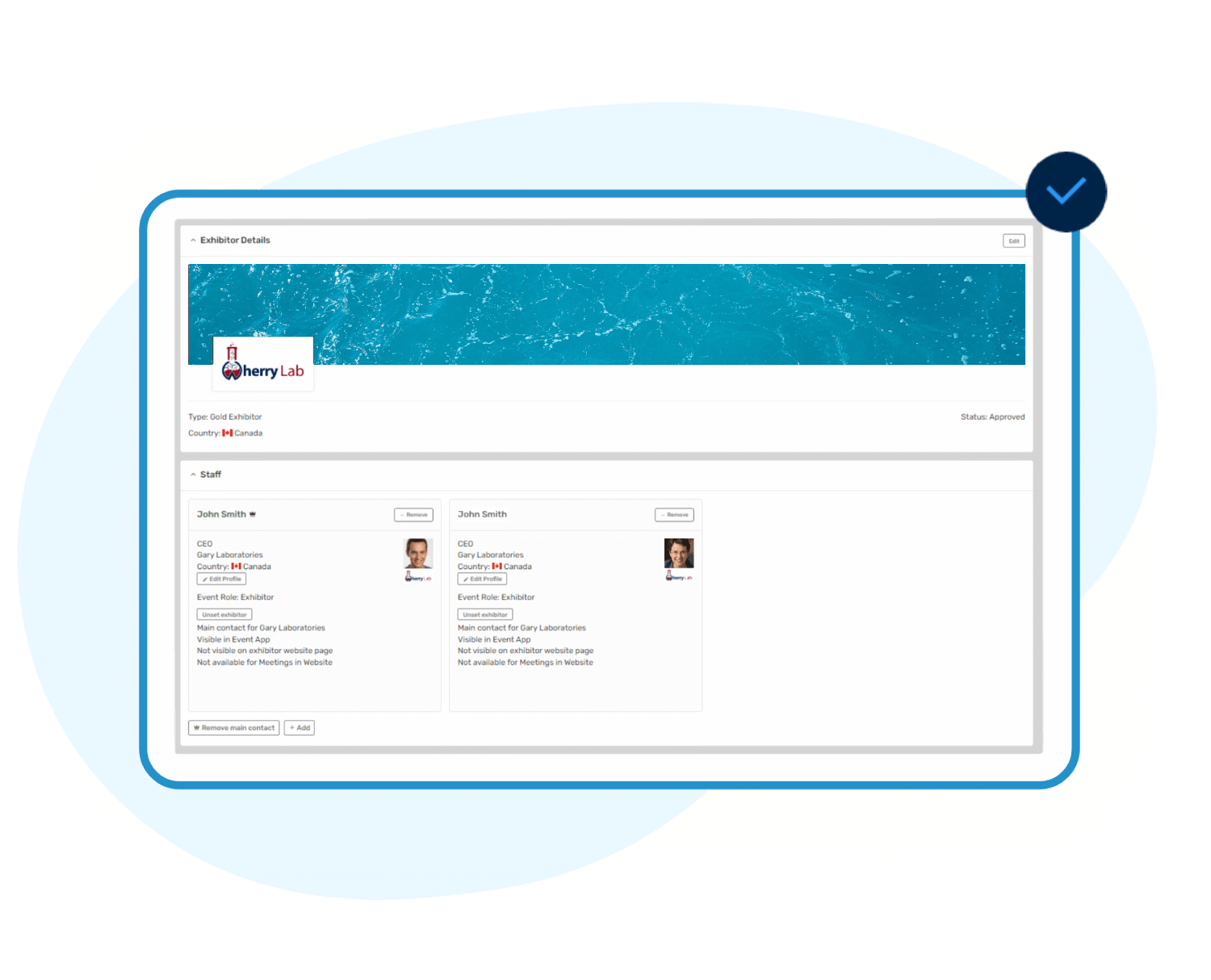
Sponsors & Exhibitors
Give sponsors and exhibitors a meaningful presence inside the event app, and give attendees an easy way to learn more about them or arrange a meeting.
Sponsor & Exhibitor Visibility
Companies can display logos, images, information, marketing materials, and attendee offers inside the app.
Lead Capture
Exhibitors can use a mobile device to scan attendee QR codes and build their lead list without requiring dedicated scanner hardware.
Exhibitors can review and manage lead information during and after the event.
Exhibitor Self-Service
Depending on the event configuration, exhibitors can maintain company information, materials, offers, staff, and meeting availability — reducing the amount of content organizers need to collect and enter manually.
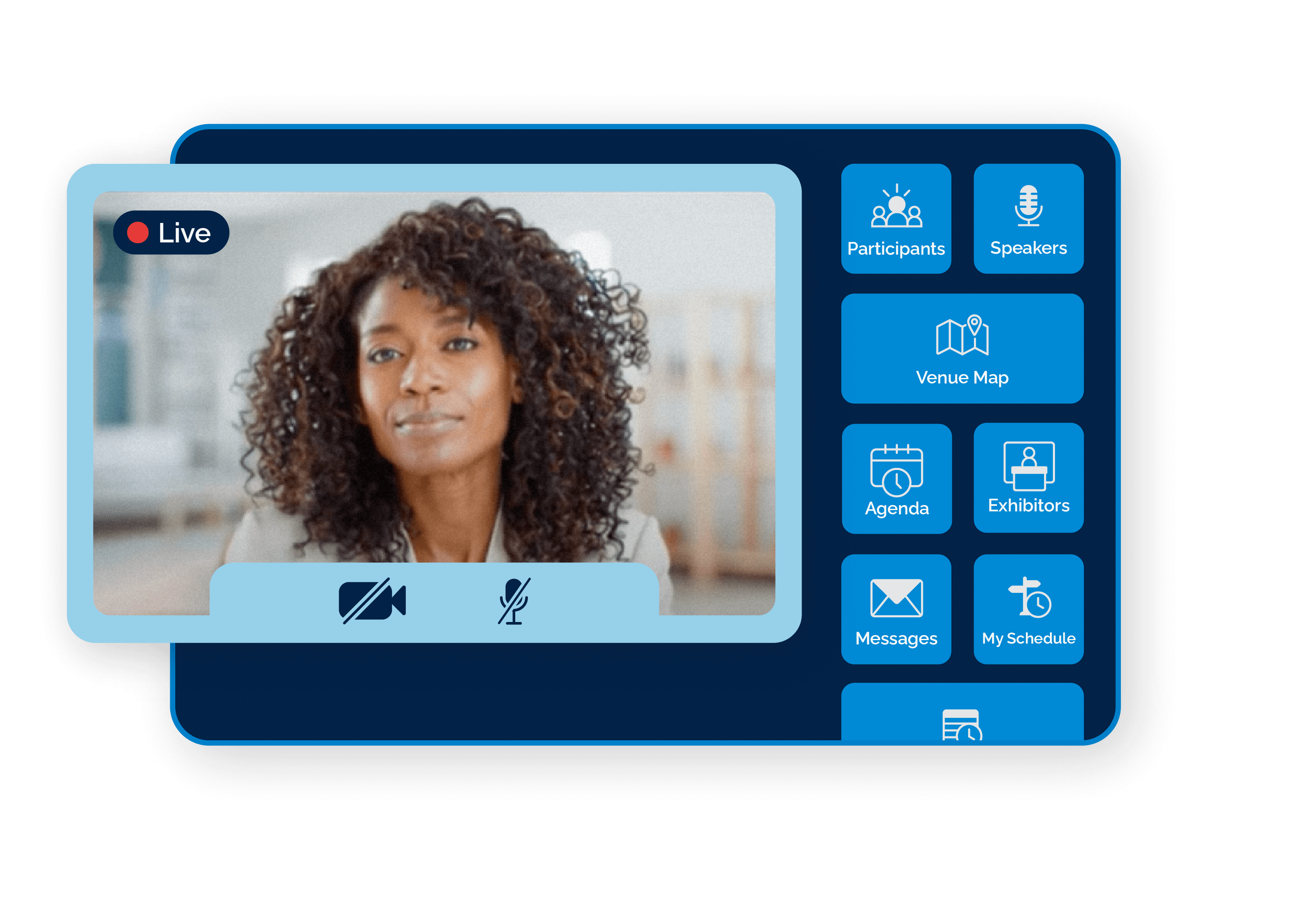
Video & Hybrid Events
Bring event sessions directly into the app.
Attendees can watch presentations from their own device, move between parallel sessions, or participate remotely when they cannot attend the venue.
Live Video
Attendees can watch presentations from their own device, move between parallel sessions, or join remotely.
On-Demand Video
Attendees can watch recorded sessions they missed and access pre-recorded content from the same event environment.
Flexible Streaming
Use Eventact video capabilities or connect supported external video sources. Different halls and sessions can have their own streams, allowing the app to support multi-track and hybrid event programs.
Remote Participation
Online attendees can do more than watch. Interactive event features connect remote participants with speakers, sessions, networking, polls, questions, and other attendee activities.
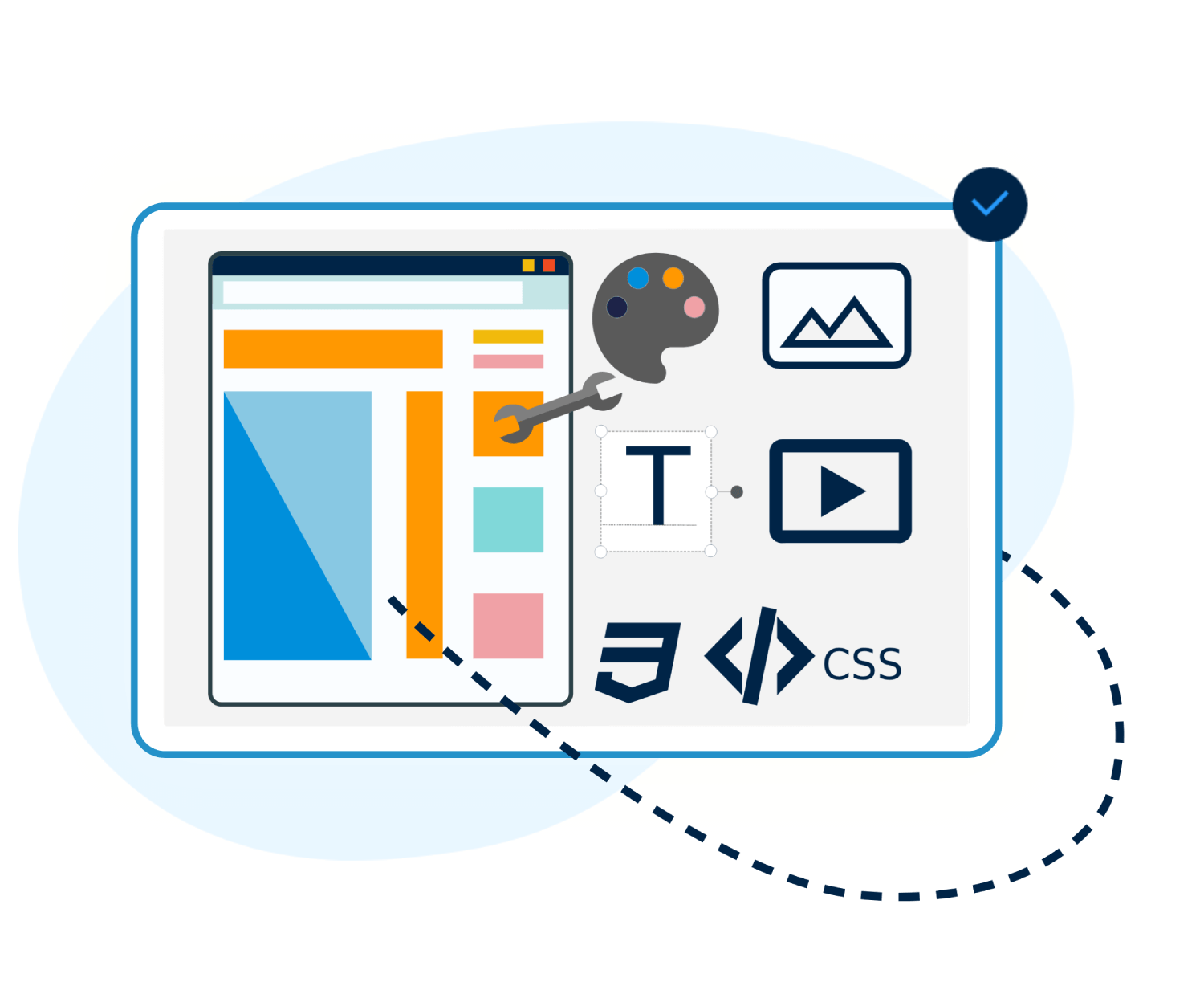
Setup, Branding & Languages
Control what attendees see and how the app looks.
Choose app features, arrange buttons, customize graphics, and apply your brand colors, logos, banners, fonts, and styles.
Customization & Branding
Apply your brand to the app experience, and customize attendee messages and automated communications associated with the app.
Multilingual Event App
Run one event in multiple languages. The app supports multilingual navigation and event content, helping international attendees access the program and information in their preferred language, including right-to-left languages.
Seamless Content Management
Stop entering the same information in multiple systems.
The Eventact Event App works as part of the Eventact event management platform, connecting information from registration, agenda management, abstracts, speakers, exhibitors, and other event modules.
Easy to Share
Share the event app using a simple URL. Attendees can open it immediately on their phone, tablet, or computer without searching an app store or installing a traditional app.
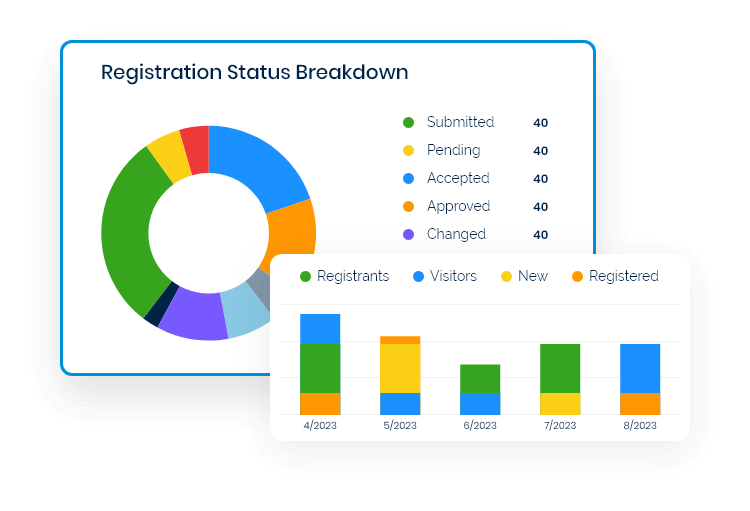
Organizer Control & Reporting
Manage the attendee experience while the event is happening.
Organizers can follow app activity, manage content and communications, moderate interactive features, and respond quickly when information or schedules change.
Live Event Control
Update content, send announcements, moderate questions and social activity, and adjust the app during the event without waiting for a new version.
Reports & Statistics
Review information across areas such as app activity, session participation, meetings, exhibitor engagement, leads, polls, and surveys.
Use the results to evaluate the current event and improve future ones.
One App. One Event Experience.
From discovering the next session to finding a colleague, arranging a meeting, watching a presentation, asking a question, visiting an exhibitor, or checking event information, Eventact Event App keeps the attendee experience connected.
And because it is part of the Eventact Event Management System, organizers manage the event without maintaining a separate app and another disconnected set of data.
Give your attendees one place to experience the event — before, during, and after.
Explore the Eventact Event App
Compare the Capabilities
Need to check a specific requirement?
See It in Action
Explore the event app, networking, meetings, and other Eventact attendee experiences.
Go Deeper
Detailed guides for networking configuration, meeting management, polls, lead collection, speakers, and more.
See the Event App With Your Event in Mind
Every event uses the app differently. Show us how your event works, and we’ll show you how the Eventact Event App can support your program, networking, content, live sessions, exhibitors, and attendee communication.