Connect events with your CRM
Eventact integrates with HubSpot and Salesforce. Registrations reach your CRM, and what your CRM already knows can shape the registration itself.
Use CRM data during registration
After the guest enters their email, Eventact looks them up in HubSpot or Salesforce and pulls the fields you choose, such as customer tier or account status. The rest of the form adapts: existing customers skip questions you already have answers to, VIP accounts see their ticket option, and people not in your CRM go to a page for new prospects.
Decide which way each field goes
Set each mapped field to read from the CRM, write to it, or sync both ways. Fields your team owns in the CRM can stay read-only from Eventact's side.
Create records or update only
Choose whether people who aren't in your CRM get created or skipped. With skip, Eventact only updates records you already have. In Salesforce you can create Leads instead of Contacts, and when someone exists as both, Eventact updates the Contact.
Deals in HubSpot, campaigns in Salesforce
In HubSpot, each ticket can become a deal in the pipeline and stage you choose, tagged New Business or Existing Business, and re-syncing never duplicates it. When one person registers a group, each member becomes their own contact holding their own deal. In Salesforce, each event gets a campaign with synced attendees as members.
Attendance for follow-up
Limit the sync to people who actually arrived. In HubSpot, each contact shows whether they attended your last event, and your own HubSpot workflows can use that property, such as a follow-up task for the account owner.
Check before you sync
Each registrant record shows Eventact and CRM values side by side, and a single registrant can be synced from the back office. In Salesforce, test in a sandbox first.
Registration tailored to each audience
A form for each audience
Build separate forms for customers, prospects, partners, speakers and staff, each asking only what matters for that group. One person can hold several roles, such as customer and speaker.
Questions that follow the answers
Conditional logic changes the questions, sessions and tickets a guest sees based on earlier answers, so a partner and a first-time prospect get different paths through the same form.
Invitation-only when you need it
Hide a customer-only workshop or executive track behind a code, and review registrations before seats are confirmed. Useful for closed customer forums and advisory boards.
Tickets and pricing
Offer free and paid tickets, date-based pricing and promotion codes.
Group registration
A customer can register their whole team at once, and each team member still gets their own registration and ticket.
Status you can act on
Every registration carries a status, such as invited, registered, pending, approved, cancelled or checked in, so your team always knows who still needs a nudge.
Event registration Smart forms Registration status Promotion codes
Direct Settlement, Zero Platform Cuts, and True B2B Billing
Connect your own gateway—Stripe, Authorize.Net, PayPal, or regional processors—and collect payments directly. Eventact empowers your team with full financial control and no platform commissions, supporting the sophisticated payment flows your corporate, academic, and enterprise attendees expect.
0% Eventact fee on ticket sales
Pay only for the platform, not a share of your revenue. Keep your entire ticket margin, with only your payment provider’s standard fees deducted.
Flexible B2B payment schedules & deposits
Align your cash flow with your event schedule. Collect full payment upfront, accept fixed or percentage deposits for workshops or hotel blocks with automated balance collection later, or offer pay-later terms with timely balance alerts at check-in.
Direct corporate invoicing & PO reconciliation
Support companies, universities, and government agencies where the registrant is not the payer. Let attendees register with purchase orders or bank transfers, capture card guarantees, and reconcile offline payments in your back office before issuing final documents.
Customizable financial documents & invoice series
Generate PDF invoices, receipts, invoice-receipts, and credit invoices under your legal entity. Set up unique numbering series, display local tax and company IDs, personalize headers and branding, and tailor VAT or tax rules to your accounting standards. Export journal entries straight to ERPs like SAP or Excel.
Multi-currency pricing & exchange management
Expand globally with automatic attendee currency selection by country, hands-on exchange rate management, and country-specific VAT rules. All documents capture both the transaction and your accounting base currency.
Split invoicing & linked registrations
Tackle real-world company billing: split orders into multiple invoices, bill employers instead of individuals, group team members under one corporate invoice, or accept partial payments using different methods.
Turn-key processing alternative
No merchant gateway set up yet? Eventact can process payments for you through a managed arrangement, subject to processing fees.
Enterprise Capabilities. A More Direct Way of Working.
Growing B2B teams shouldn't have to choose between advanced platform capabilities and operational agility. Eventact combines comprehensive event management with direct access to experienced technical specialists.
Extensible workflows beyond standard configuration
Eventact provides native tools for field mapping, supported bi-directional synchronization and configurable registration logic across HubSpot, Salesforce and other connected systems. When your requirements go beyond built-in configuration, our solutions engineering team can develop custom connectors, data transformations, webhook integrations and specialized registration workflows.
Direct access to experienced platform specialists
When an event is approaching, responsive, knowledgeable support matters. Work directly with specialists who understand your configuration, data mappings and event workflows, helping resolve issues with the context your event requires.
Commercial terms that fit your event schedule
Discuss licensing and implementation based on your event volume, frequency and operational requirements. Find an arrangement that fits how your organization runs events, without assuming you need the same commercial model as a large enterprise.
Manage recurring events
Most B2B teams don't run one event a year. They run a user conference, a few roadshow stops, partner training days and a steady flow of customer workshops. Eventact keeps all of them in one back office.
- Every event in one account: Current, future and previous events are managed from the same back office.
- Set up once, reuse: Company-level settings, users and integrations apply across events, and you can reuse event structures instead of rebuilding each one from scratch.
- One contact record: Each person has a single contact in your account, linked to every event they register for, so you can see their history with you.
- Consistent branding: Set up one subdomain (events.yourcompany.com) once and every future event lives under it, with your colors, fonts and graphics.
- An event portal: Present current and previous events on a branded company-level page.
- Access by responsibility: Give each team member access to the events and areas they work on.
Invitations and event communications
- Personal invitation links: Invited guests open a form with what you already know about them filled in.
- Pre-filled links: Build one link per ticket type, partner code or promo code. They also work as QR codes.
- RSVP in one link: Guests confirm or decline on a branded page. Email security scanners can't trigger it, and follow-ups go only to people who confirmed.
- Templates and personalization: Reusable templates for invitations, confirmations, reminders, logistics and follow-up, filled with each guest's own details.
- Automated and scheduled: Send messages on registration, payment, status change or check-in, or schedule them for a date. Target by status, role, ticket type or form answers.
- Email, SMS and WhatsApp: Each message can carry a version for each channel. SMS and WhatsApp replies land in a shared inbox your team works from.
- From your domain: Emails go out from your own domain. Eventact gives you the SPF and DKIM records and verifies them once added.
- Opt-outs respected: Confirmations, tickets and login codes always go out, while promotional messages respect opt-outs. One-click unsubscribe meets Gmail and Yahoo bulk sender rules.
Pre-filled links RSVP Multi-channel messages Email unsubscribe
From registration to the event day
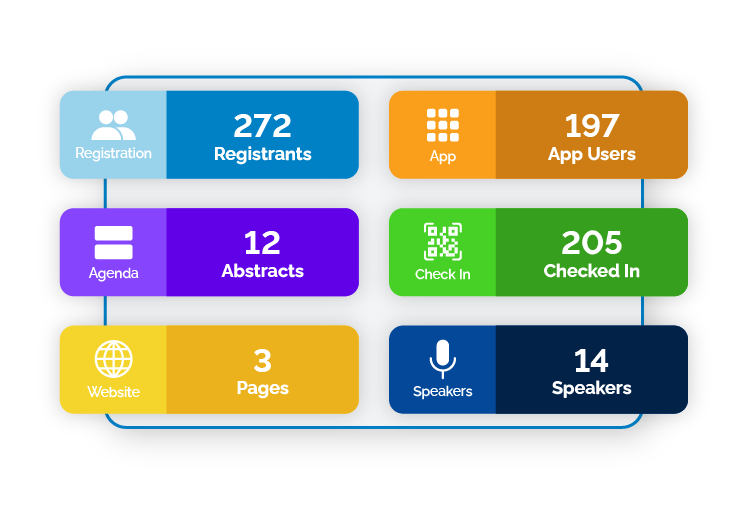
- Attendee lists: Search, filter and update registrants, and export exactly the fields other teams need.
- Check-in: Staff scan QR codes, or guests use self-service kiosks. Check-in keeps working when venue Wi-Fi drops and syncs when the connection returns.
- Badges and walk-ins: Print personalized badges with different layouts per guest type, and register walk-ins at the venue.
- Session attendance: See which guests attended which sessions and workshops.
- Lead collection: Partners and sponsors collect leads in the event app.
- Reports: Share live reports with stakeholders and co-hosts, who can view and download them without back-office access.
Branding, administration and integrations
- Website on your domain: Use a dedicated domain or a subdomain of your own for each event website.
- Event app on your domain: It's a web app, so there's no app store download. Guests sign in with a magic link instead of a password.
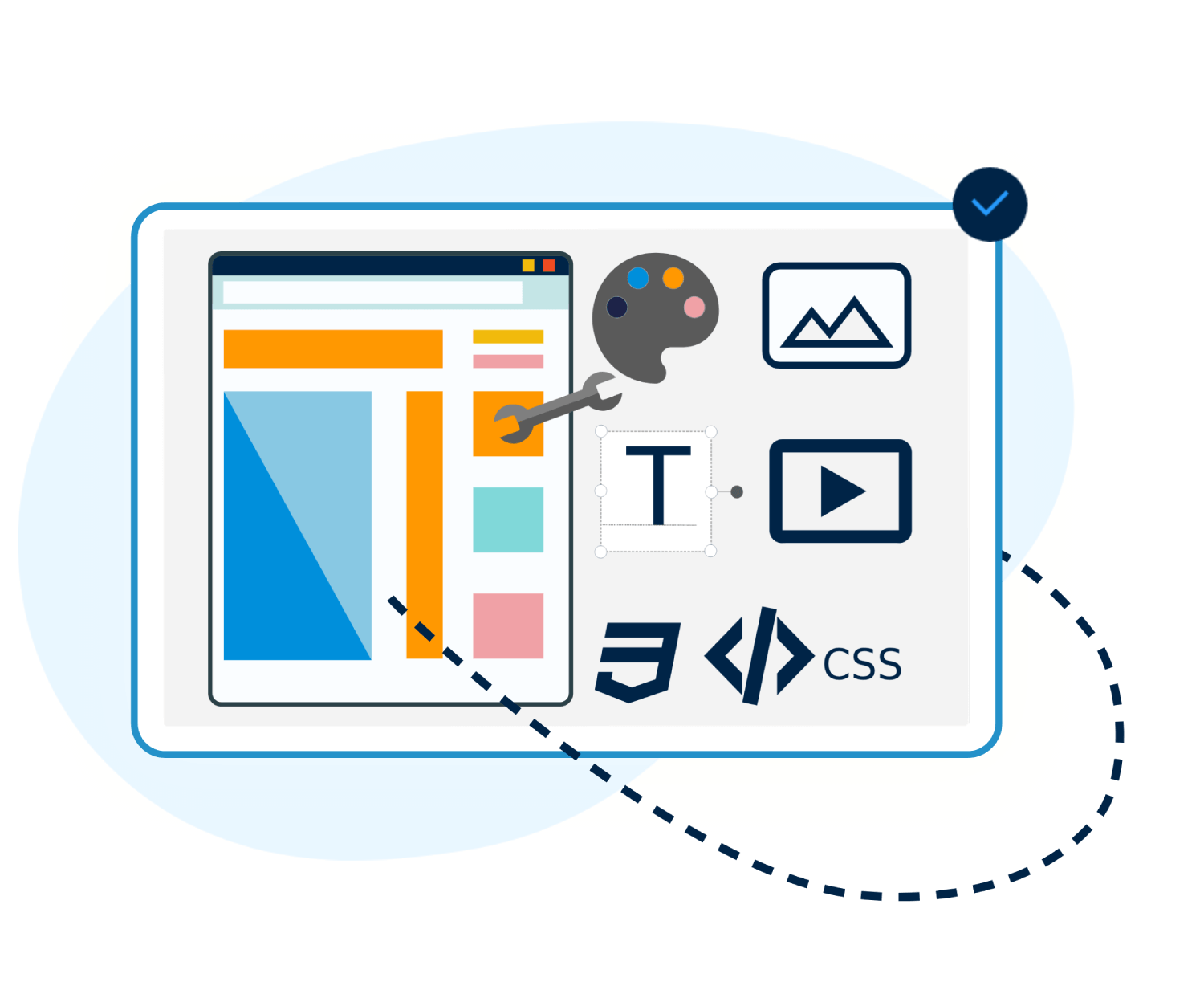
- Design control: Apply your colors, fonts and graphics across forms, site, app, emails and badges. Use HTML, CSS and JavaScript when you need more.
- Webhooks: New registrations are pushed to Zapier, Make or your own services as they happen, signed so your endpoint can verify they came from Eventact. One webhook can cover every event in the account.
- REST API: Use it for custom form answers, full ticket lists and anything the webhook doesn't carry.
- Monday.com: Each registration becomes an item on the board you choose. Set it up once and it covers every event.
Custom domains Design customization Webhooks Event APIs Monday.com
Security and administration
- Role-based access: Staff, agencies and contractors see only what their role needs.
- Sign-in protection: Two-factor authentication and automatic session locking for back-office users.
- Activity history: User access, administrative actions and registration changes are logged.
- Consent records: Marketing consent is captured at registration, and every unsubscribe and resubscribe is logged.